How to Request a Refund for a NeededApps App
We do our best to make sure our apps meet your needs, but we understand that sometimes you may need to request a refund.
The refund process depends on where you purchased your app: Apple's App Store or the NeededApps Store.
Request a Refund for an App Store Purchase
If you purchased the app from the Apple App Store, your purchase and payment were processed directly by Apple.
NeededApps does not have access to your App Store payment information and cannot issue a refund for an App Store purchase.
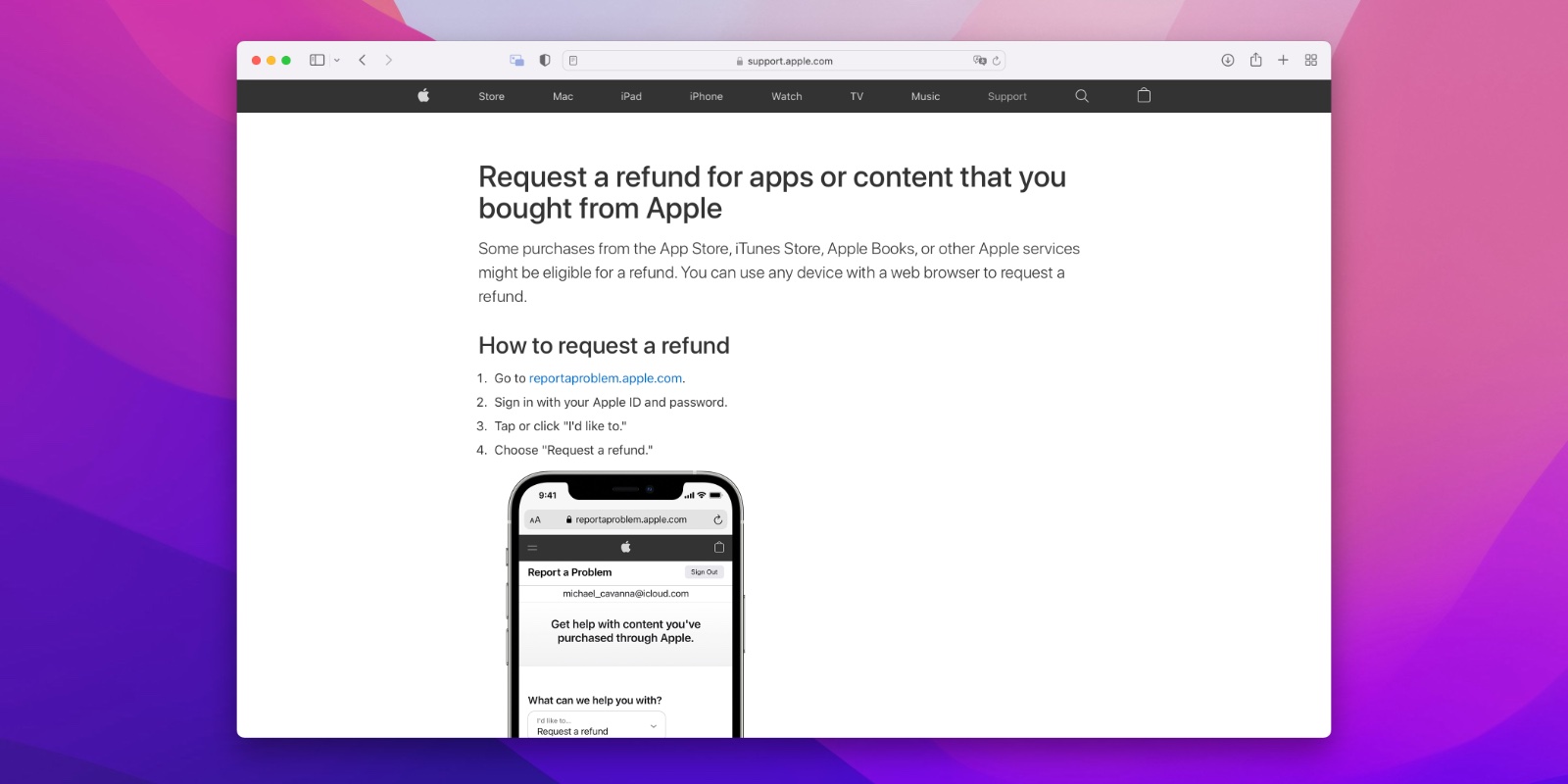
To request a refund, you'll need to submit your request directly to Apple:
Sign in with the Apple Account used to purchase the app and follow Apple's instructions to submit your refund request.
Request a Refund for a NeededApps Store Purchase
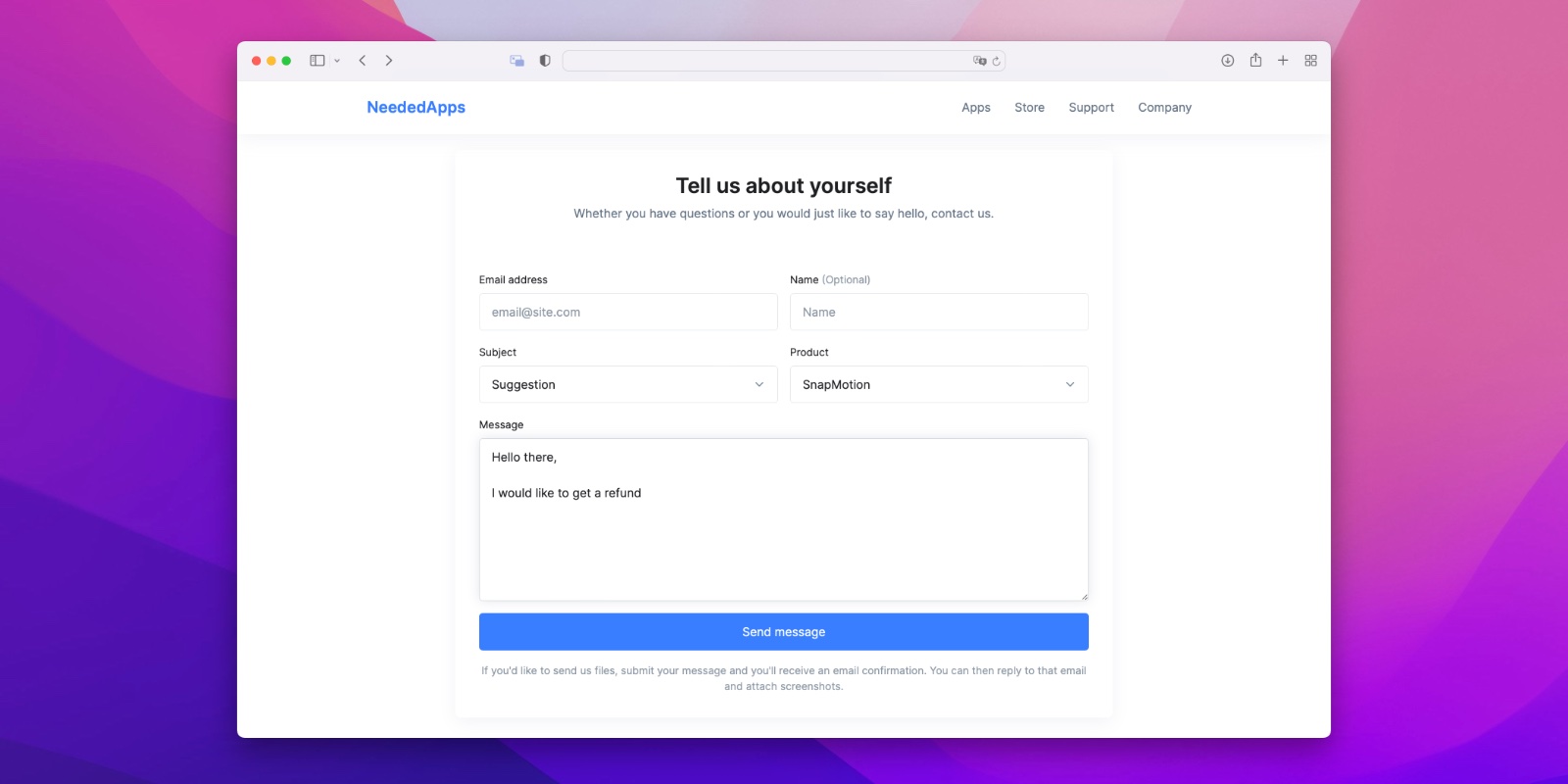
If you purchased your license directly from the NeededApps Store, please contact us through our support page.
When contacting us, include:
- The name of the app you purchased
- The email address used for the purchase
We'll review your request and initiate the refund when applicable. Once a refund has been issued, it may take a few business days to appear on your account, depending on your bank or payment provider.
Stay in touch
We are working on awesome new projects, subscribe to be notified.